WOW - That was easy!
I utilized the TP-Link TL-WR703N with OpenWrt.
- set up the TP-Link TL-WR703N with OpenWrt
- install USB serial Support for Teensy
- install ser2net on the OpenWrt
- plug in Teensy to the USB Port of the WR703N and start ser2net
- install Perle Trueport on the PC and set up a virtual COM-Port with Network access (TruePort | Documentation and Downloads)
- connect Jinx! to the Virtual COM-Port
- Done!
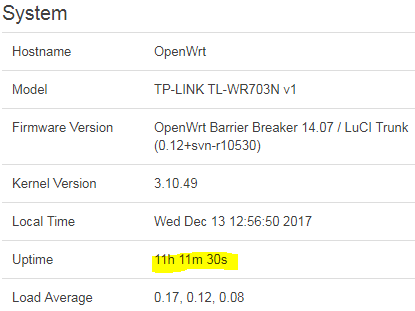
I did not test other functionalities than the TPM2 Streaming through the Network Serial Port yet but the streaming is very stable during the last 8h.
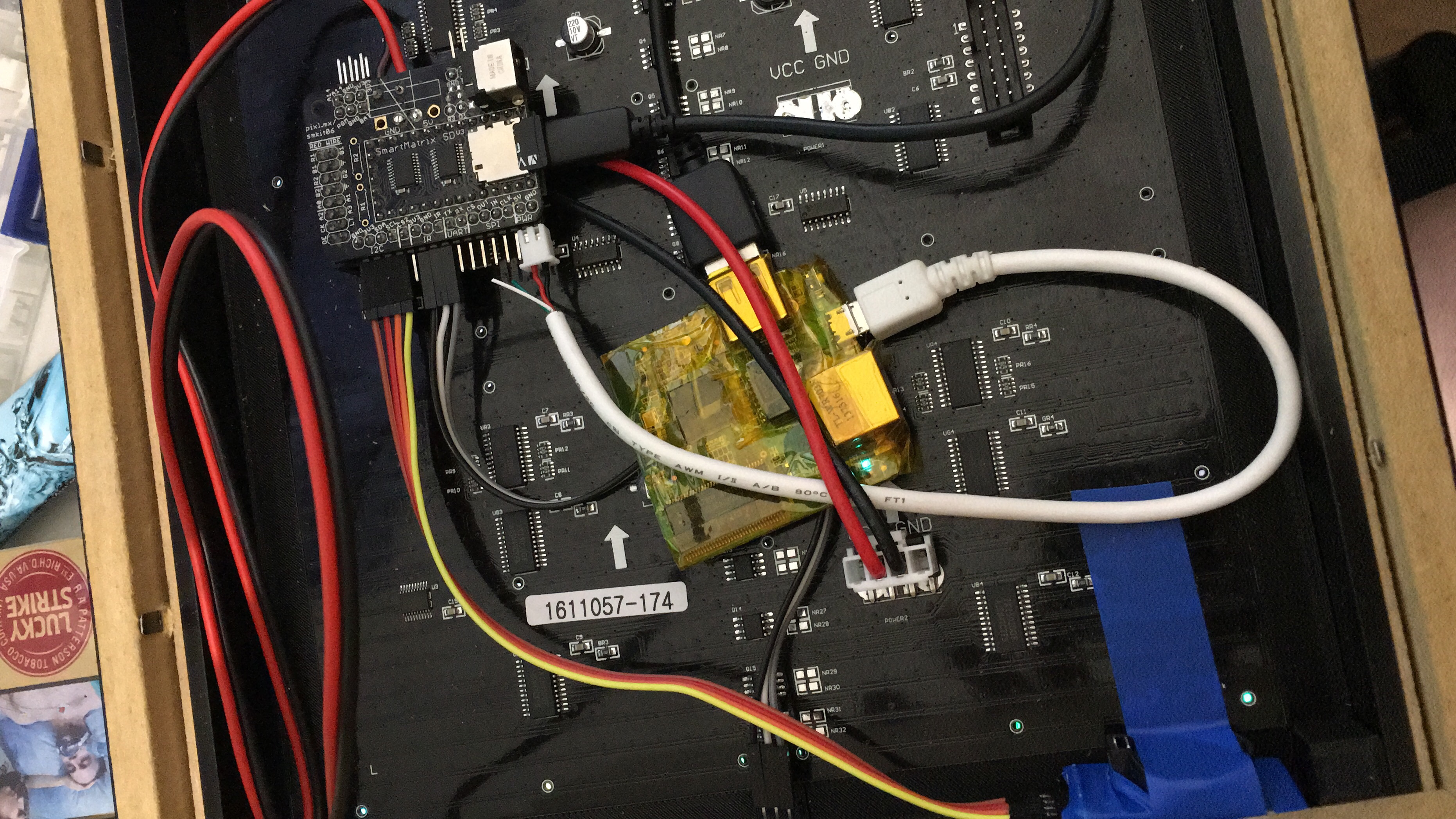
TP-Link TL-WR703N with OpenWrt
This How-To will explain how to flash OpenWrt to the Device
In order to make the following steps the router must have set up to connect to the internet.
My router is configured as Wifi-Client and connected to my Wifi/LocalNetwork.
USB serial Support for Teensy
Sources for my way:
http://ediy.com.my/blog/item/6-control-arduino-with-tp-link-tl-wr1043nd-router
https://www.htlinux.com/arduino-forward-serial-to-telnet-with-ser2net-on-tplink-mr3020-running-openwrt/
You could add the ser2net service via the OpenWrt GUI but I recommend the ssh way.
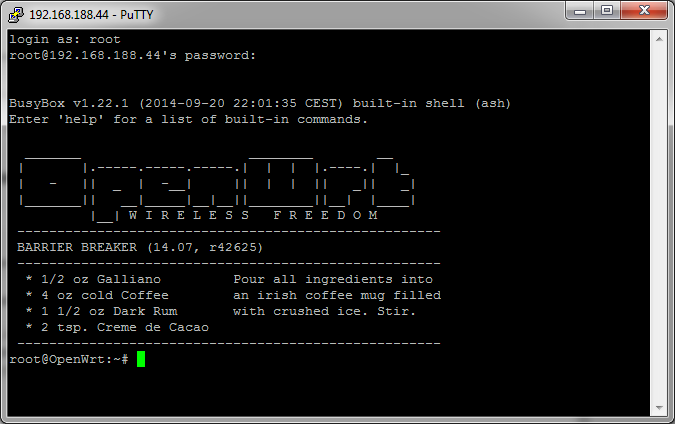
ssh into device
add usb support
opkg update
opkg install kmod-usb-acm
Plug in Teensy to the USB port of the WR-703N and check usb device is present
dmesg | grep -i usb
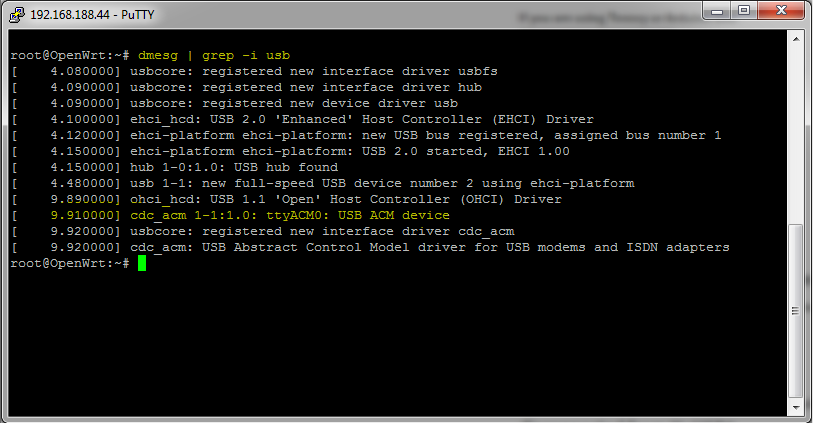
install ser2net on the OpenWrt
still ssh into device
opkg update
opkg install ser2net
winscp into device and edit /etc/ser2net.conf or use
vi /etc/ser2net.conf
add line at the bottom
1234:raw:0:/dev/ttyACM0:115200
1234 = TCP Port later used in Trueport
raw=protocoll
device=/dev/ttyACM0
baud=115200
Start ser2net with via ssh
ser2net
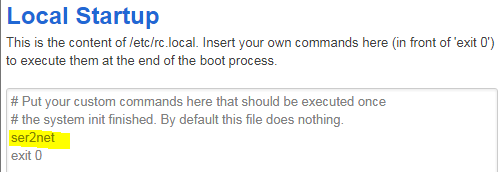
Use OpenWrt Startup and add ser2net for instant ser2net start on router boot up
Network Serial for Windows7
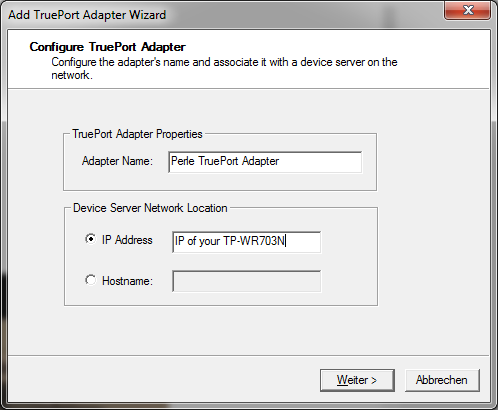
Download and Install Perle Trueport
Configure COM-Port
Change TCP Port to 1234 and switch to Lite Mode
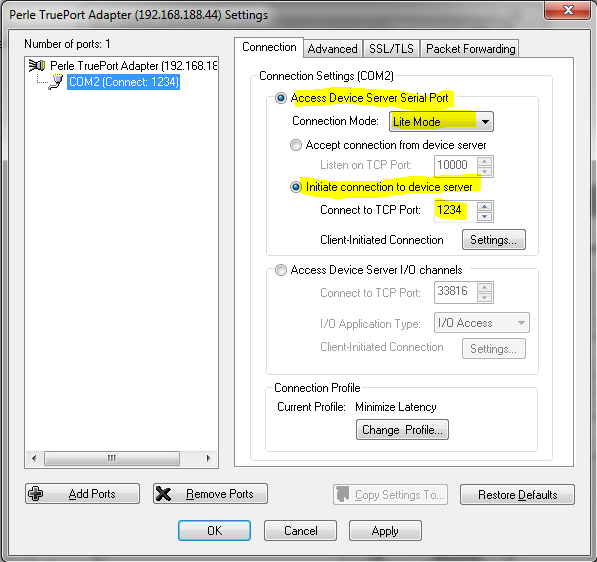
Hit Apply and OK
In Jinx! you can now choose the COM Port you set up before. DONE!
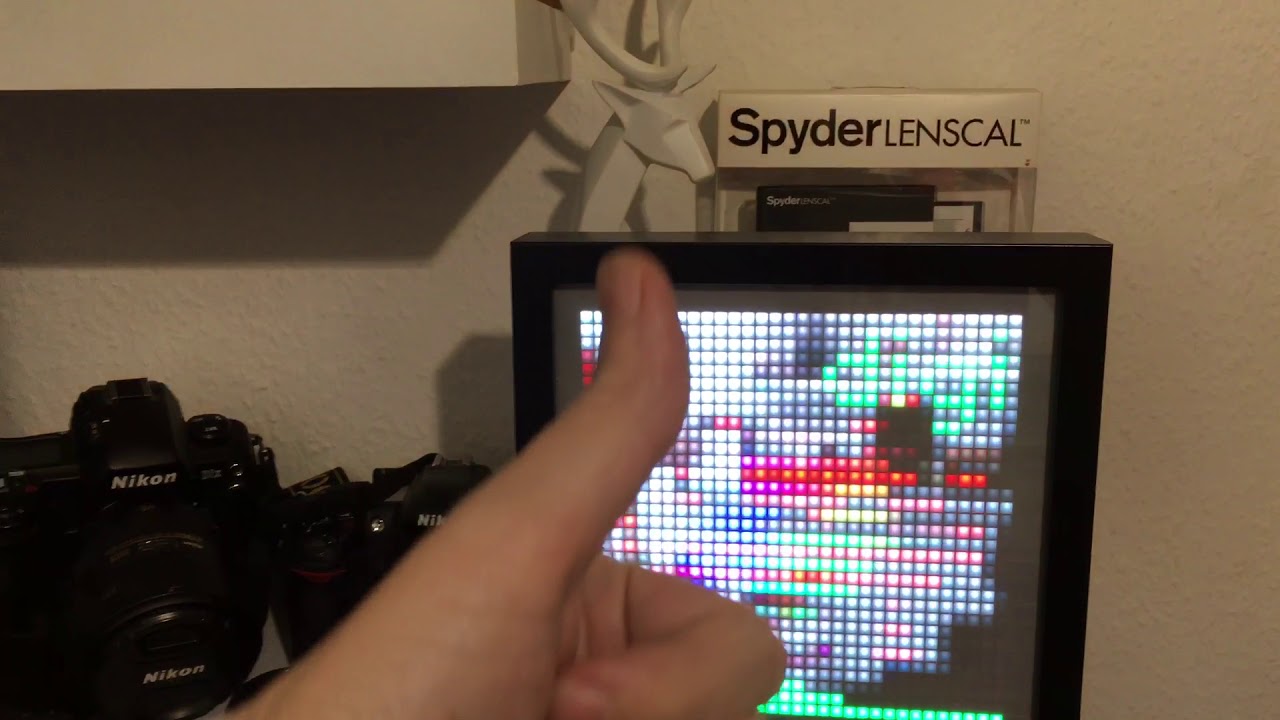
Very stable. No hickups: