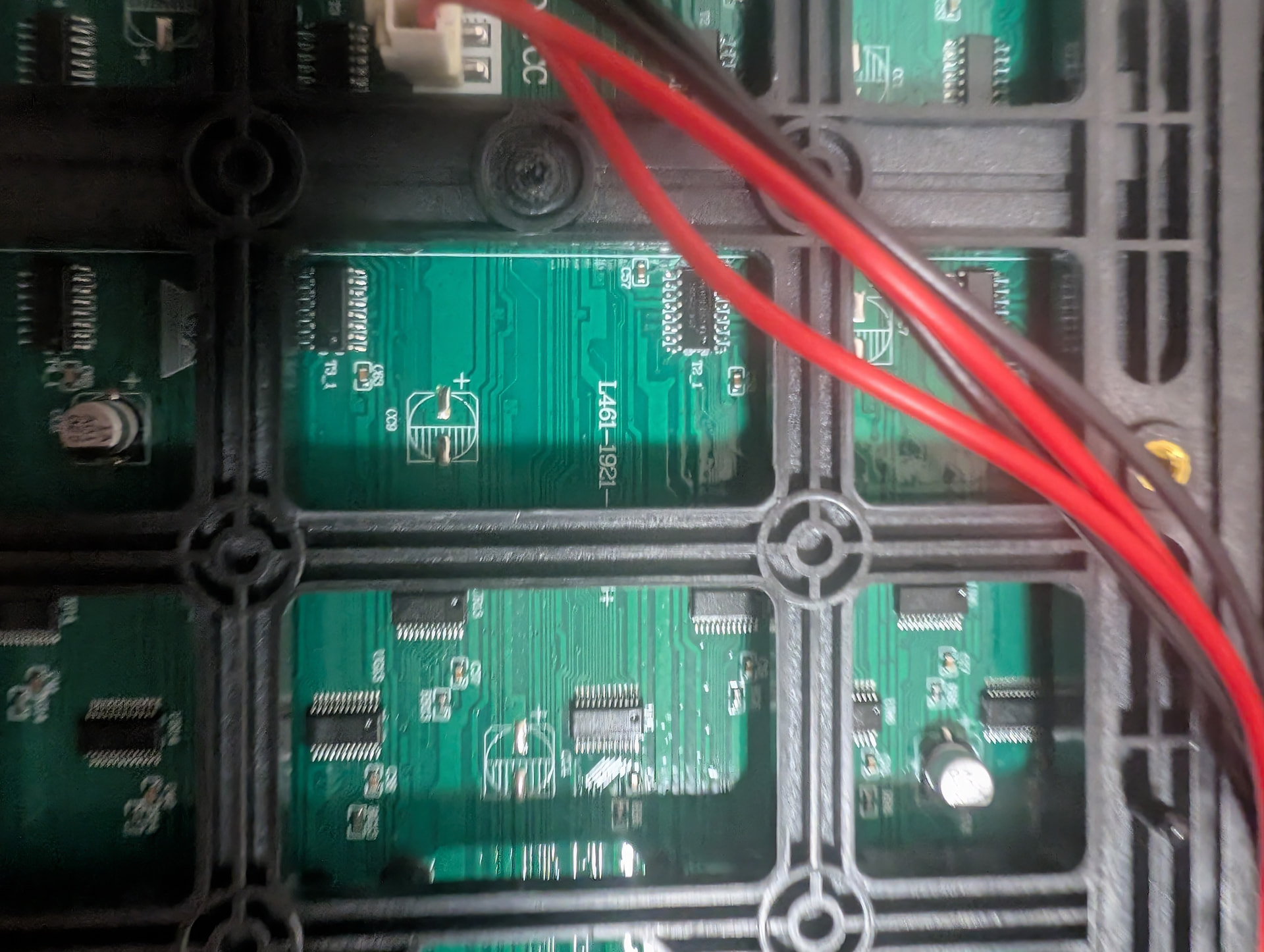
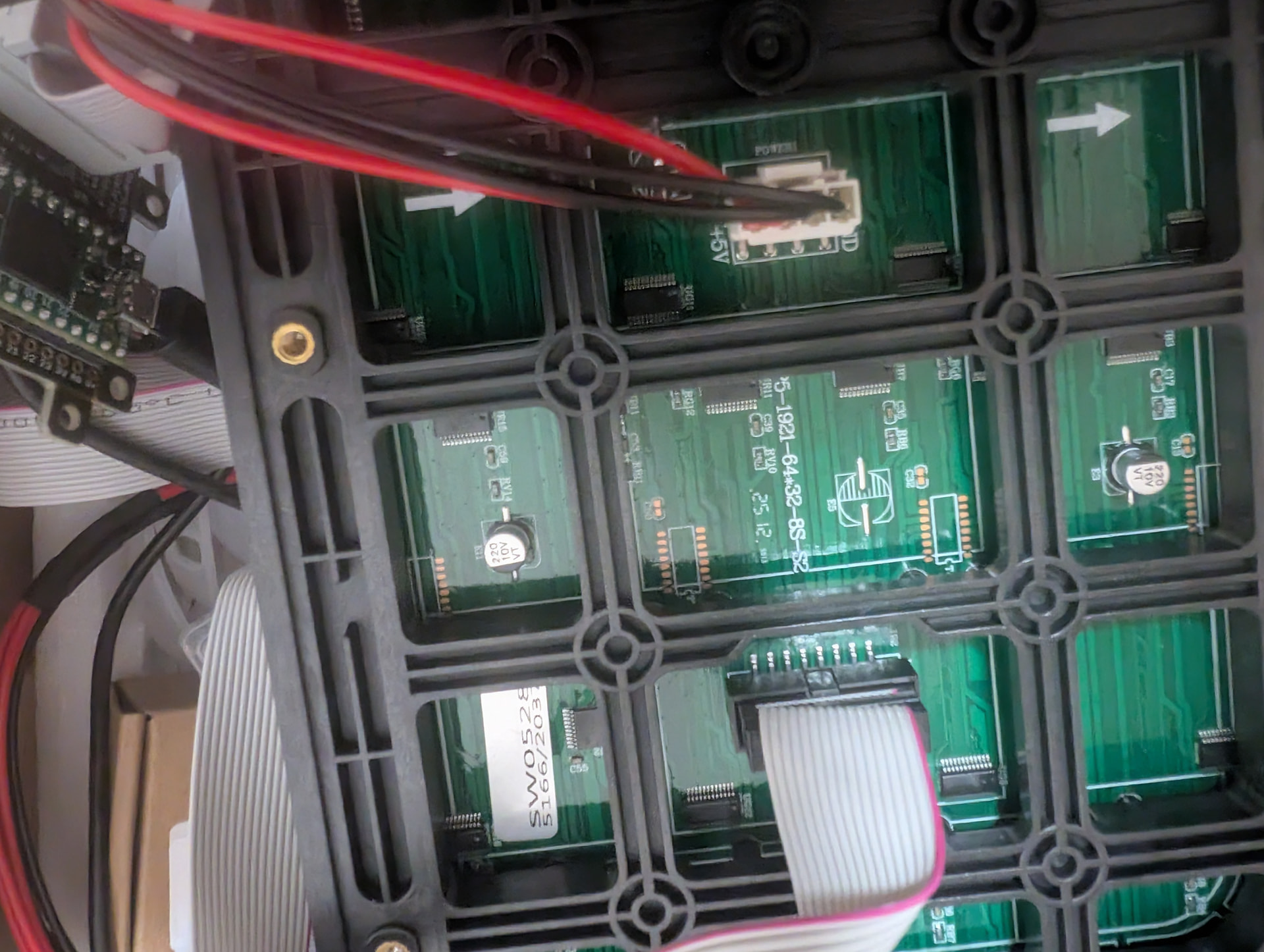
Well I bought panels from a vendor but with a little delay inbetween. I noticed that the mapping is not matching. I allready figured out the mapping. My plan would be to use 6 Panels of the first charge in 3x2 (192x64) + a bottom line with the new charge (192x32).
I thought there might be just an array which stores all LED-Adresses. Would it be possible to just exchange adresses there? Or would it be possible to give the bottom line another panel mapping?
Hi @StevenFarmer
The project configuration isn’t entirely clear. Please describe which library and controller you plan to use.
Provide detailed panel specifications for the top and bottom rows, including size, scan, and chip type.
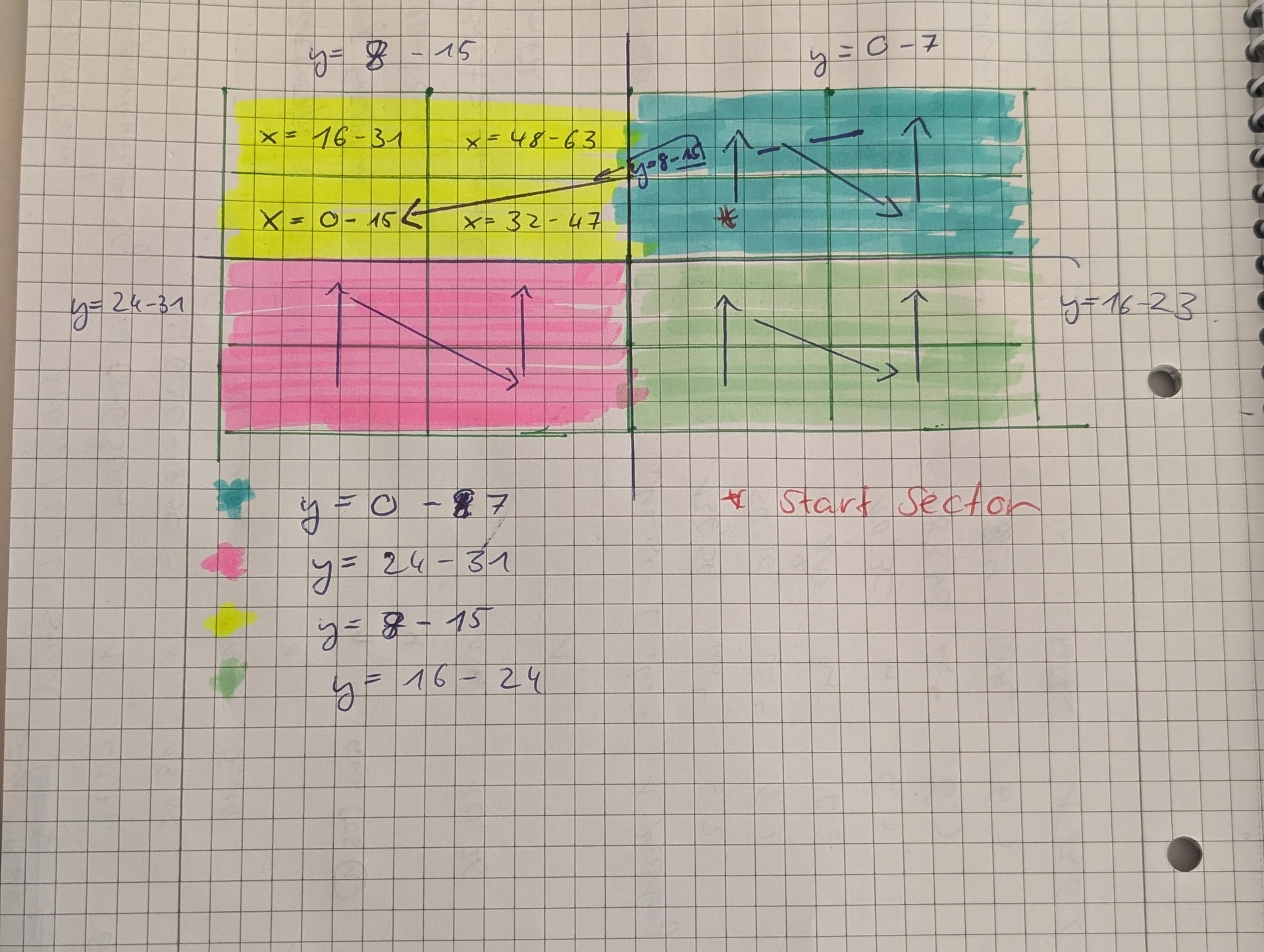
Thats what the mapping looks like: The blue sector contains the field for x 0-63 and y = 0-8.
Yellow has y 8-15. Green has y =16-23 and pink 24-31.
Each sector is splitted in 4 “sub sectors” which depends what x value it is.
On the software site i use this correction funtion (this is the example for the background layer.. the pain is that you need to do that multiple times for layers)
void DoBackgroundPixelcorrection()

{

//Example setup with two panels. Just the bottom panel (row 32-63 needs fixing)

  rgb24 *buffer = backgroundLayer.backBuffer();

//first store the bottom array in a colorarray

  rgb24 colorarray[64*32];

  for(int x=0;x<64;x++)

  {

    for(int y=0;y < 32; y++)

    {

      colorarray[kMatrixWidth*y + x] = buffer[kMatrixWidth*(y+32) + x];

    }

  }

  //now write

    for(int x=0;x<64;x++)

  {

    for(int y=0;y < 32; y++)

    {

      int x_new = (((y / 8) % 2)== 0 ? 16 : 0)+((x / 16)% 2)*32 + x % 16;

      int y_new = (x <32 ? 8 : 0)+ y % 8 +(y > 15 ? 16 : 0);

      buffer[kMatrixWidth*(y_new+32) + x_new] =colorarray[kMatrixWidth*y + x];

    }

  }

}
int x_new = (((y / 8) % 2)== 0 ? 16 : 0)+((x / 16)% 2)*32 + x % 16;
new calculated x contains of three parts.
checks the y component. If it is between 0-7 or 16 and 23 we add 16 to x
(((y / 8) % 2)== 0 ? 16 : 0)
checks if x is between 16-31 or 48-63. If yes we add 32 to x
((x / 16)% 2)*32
Add the remaining part of x (x mod 16)
x % 16;
For y we do it likewise
Check out x
(x <32 ? 8 : 0)
if x <32 we need to go in yellow or pink sector therefore add 8
Check if y is in top or bottom sector by checking if it is bigger as 15
(y > 15 ? 16 : 0)
Add the remaining y component
y % 8
So with these two formulas for example
x/y (0/0) translates to (16/8) which is the first pixel in the yellow sector. And (63/31) translates to (47/23) which is also matching with this wild mapping.
Yeah problem is that it needs to be done for multiple layers. When using fonts I used to print to a canvas and sorted pixels in the canvas. After doing that i pasted that stuff into an indexed layer
I don’t think this approach is optimal. The transformation function should be shared across all layers and all data types.
In my library, I’ve built the transformation into a low-level single-pixel output method, which is used by all drawing and text output functions.
Regarding your question about the possibility of using different matrices in a single screen, you still haven’t given a precise description of your “old” panels. But judging by the fact that they didn’t require special mapping, these panels most likely have a 1/16 scan, while the new panels have a scan 1/8.
I don’t think combining panels with different scan rates is a good idea; at least, I don’t see how it could be done.